
Once logged into Adobe Analytics, users are directed to the Workspace—the central hub for analysis and reporting. This interface provides access to projects, reports, and learning resources, enabling users to manage data visualizations, collaborate, and automate insights efficiently.
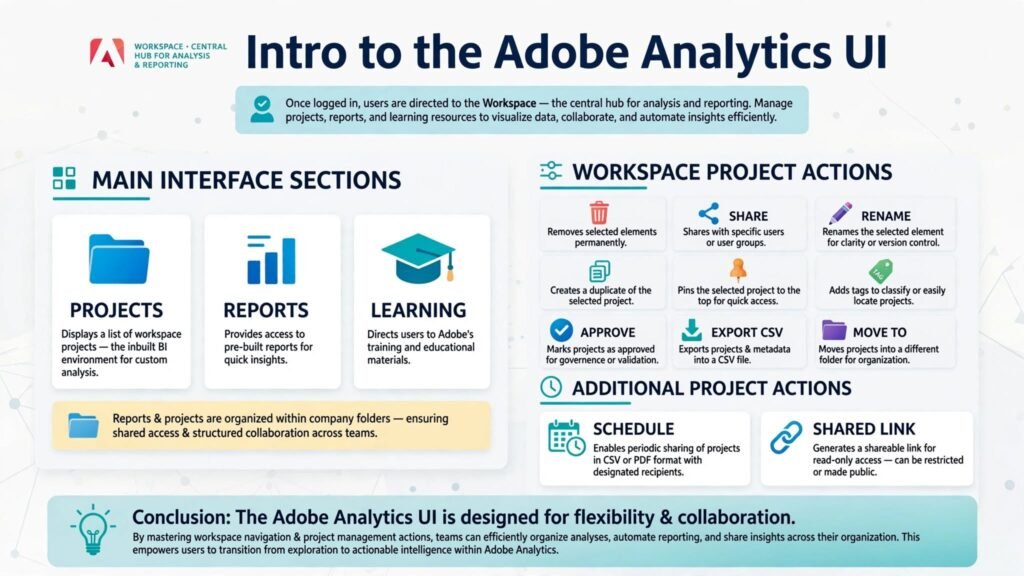
Main Interface Sections
| Tab | Detail |
|---|---|
| Projects | Displays a list of workspace projects—the inbuilt BI environment for custom analysis. |
| Reports | Provides access to pre-built reports for quick insights. |
| Learning | Directs users to Adobe’s training and educational materials. |
💡 Reports and projects are organized within company folders, ensuring shared access and structured collaboration across teams.
Workspace Project Actions
| Icon | Description |
|---|---|
| Delete | Removes selected elements permanently. |
| Share | Shares selected elements with specific users or user groups. |
| Rename | Renames the selected element for clarity or version control. |
| Copy | Creates a duplicate of the selected project. |
| Pin | Pins the selected project to the top of the list for quick access. |
| Tag | Adds tags to classify or easily locate projects. |
| Approve | Marks projects as approved (used for governance or validation workflows). |
| Export CSV | Exports selected projects and metadata into a CSV file. |
| Move to | Moves selected projects into a different folder for organization. |
Additional Project Actions
| Action | Description |
|---|---|
| Schedule | Enables periodic sharing of projects in CSV or PDF format with designated recipients. |
| Shared Link | Generates a shareable link for read-only access—can be restricted to registered users or made public. |
Conclusion
The Adobe Analytics UI is designed for flexibility and collaboration. By mastering workspace navigation and project management actions, learners can efficiently organize analyses, automate reporting, and share insights across their organization. This foundational understanding empowers users to transition smoothly from exploration to actionable intelligence within Adobe Analytics.